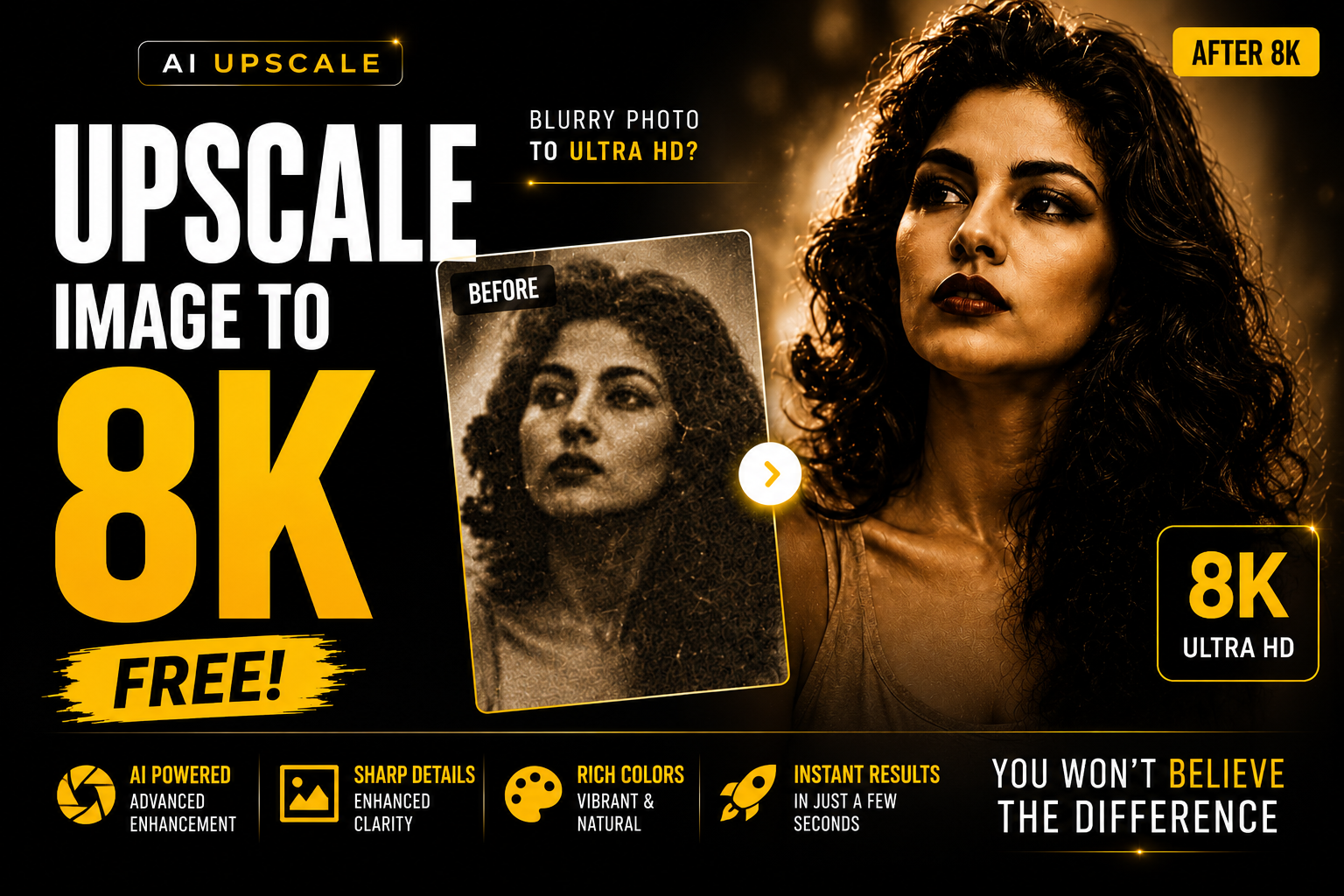
AI image editing is becoming insanely powerful now 🚀
What once needed:
- Photoshop skills 🎨
- Expensive editing software 💸
- Professional editors 👨💻
- High-end upscaling tools 🖥️
- Hours of manual work ⏳
…can now be done using just ONE image + ONE AI prompt ✨
I used AI to upscale a low-quality image into a sharp, ultra-detailed high-resolution image, and the results looked absolutely insane 👀🔥
The AI improved:
- Image clarity ✨
- Sharpness 🔍
- Facial details 😎
- Lighting ☀️
- Overall quality 📸
And the best part?
You can do it completely FREE using ChatGPT 🤯
The AI Prompt 👇
Enhance the existing photo while strictly preserving the original framing, angle, composition, and facial proportions. Do not crop, zoom, or alter the perspective in any way.
Improve overall image clarity and sharpness naturally, with subtle refinement to facial details, especially the eyes, while maintaining a realistic look. Avoid over-sharpening.
Apply soft, natural cinematic lighting adjustments, preserving the original shadows and depth. Enhance dynamic range with slightly muted highlights and richer mid-tones.
Refine skin texture to retain natural pores and fine details. Do not apply beauty filters, skin smoothing, or artificial softening.
Remove digital noise and compression artifacts while maintaining organic texture.
Ensure accurate and natural skin tones with balanced color correction.
Add very subtle cinematic film grain to achieve a professional movie-still aesthetic.
Keep the background exactly as it is, only slightly reducing noise if necessary.
How To Upscale Images Using AI 🚀
Step 1: Open ChatGPT
Go to ChatGPT and open image upload.
You can use:
- ChatGPT
- Gemini
- Leonardo AI
- Flux AI
But ChatGPT works perfectly for this ✨
Step 2: Upload Your Image
Upload the image you want to upscale.
Best results come from:
- Portrait images 📸
- Slightly blurry photos 👀
- Old images 🕰️
- Low-quality images 🔍
AI can dramatically improve image quality instantly.
Step 3: Paste The Prompt
Now copy and paste the upscale AI prompt.
The AI will automatically:
- Increase image quality ✨
- Improve sharpness 🔥
- Add better details 📸
- Enhance lighting ☀️
- Make the image look premium 😎
Step 4: Generate The Upscaled Image 🤯
Wait a few seconds…
And your low-quality image transforms into a high-resolution cinematic image instantly 🚀✨
The results look like:
- DSLR-quality photos 📸
- Professional edits 🎬
- 4K-style image quality 🔥
- Premium social media content 😎
Why AI Upscaling Is Going Viral 👀
AI upscaling works so well because it can:
- Recover details 🔍
- Improve old photos 🕰️
- Make blurry images sharp ✨
- Create premium-looking visuals 📸
- Save hours of editing time ⏳
Creators are using AI upscaling for:
- Instagram content
- YouTube thumbnails
- Portfolio images
- Client work
- Personal branding
Perfect For 📸
- Old photos
- Instagram posts
- Reels thumbnails
- YouTube thumbnails
- AI-generated images
- Blurry images
- Low-quality pictures
Pro Tips For Better Results 💡
- Use the highest-quality original image possible
- Avoid heavily compressed images
- Use portrait photos for best facial enhancement
- Generate multiple versions
- Use cinematic prompts for even better output
Final Thoughts ✨
AI image upscaling is changing photo editing completely 🚀
You no longer need:
- Photoshop expertise
- Expensive software
- Professional editors
- Complex editing workflows
Just upload your image + paste one AI prompt and get insane high-quality results instantly 🤯🔥
More viral AI prompts, cinematic edits & creator tutorials coming soon 👀
@digitalyasshh